Biodata Profile
Biodata profile [1] is a work profile that is used to submit research objects [2] such as single-cell data, images and other data that are not associated with a specific project. It was formerly known as Genomics profile.
See the components section below for the types of data that can be submitted using this profile.
Steps to Create a Biodata Profile
-
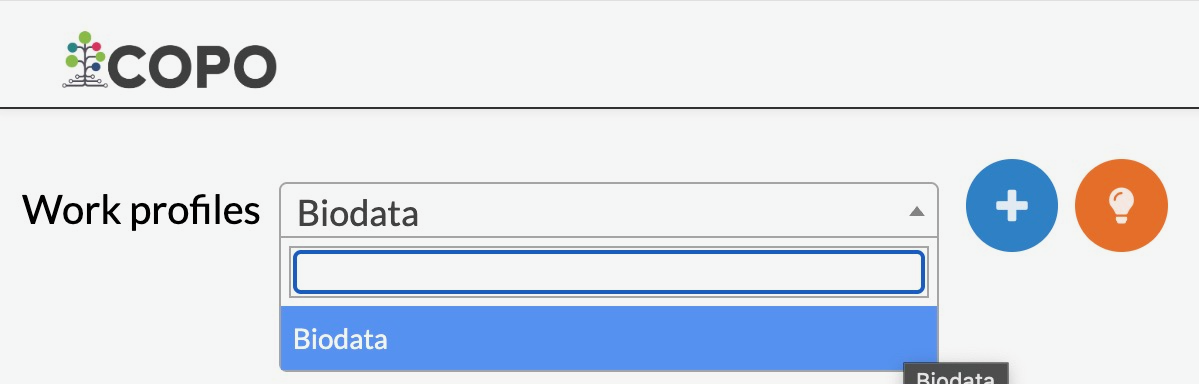
On the Work profiles page, choose the Biodata profile type from the dropdown menu, as shown below. By default, only the Biodata profile option is displayed.

Profile type dropdown menu displaying Biodata option
-
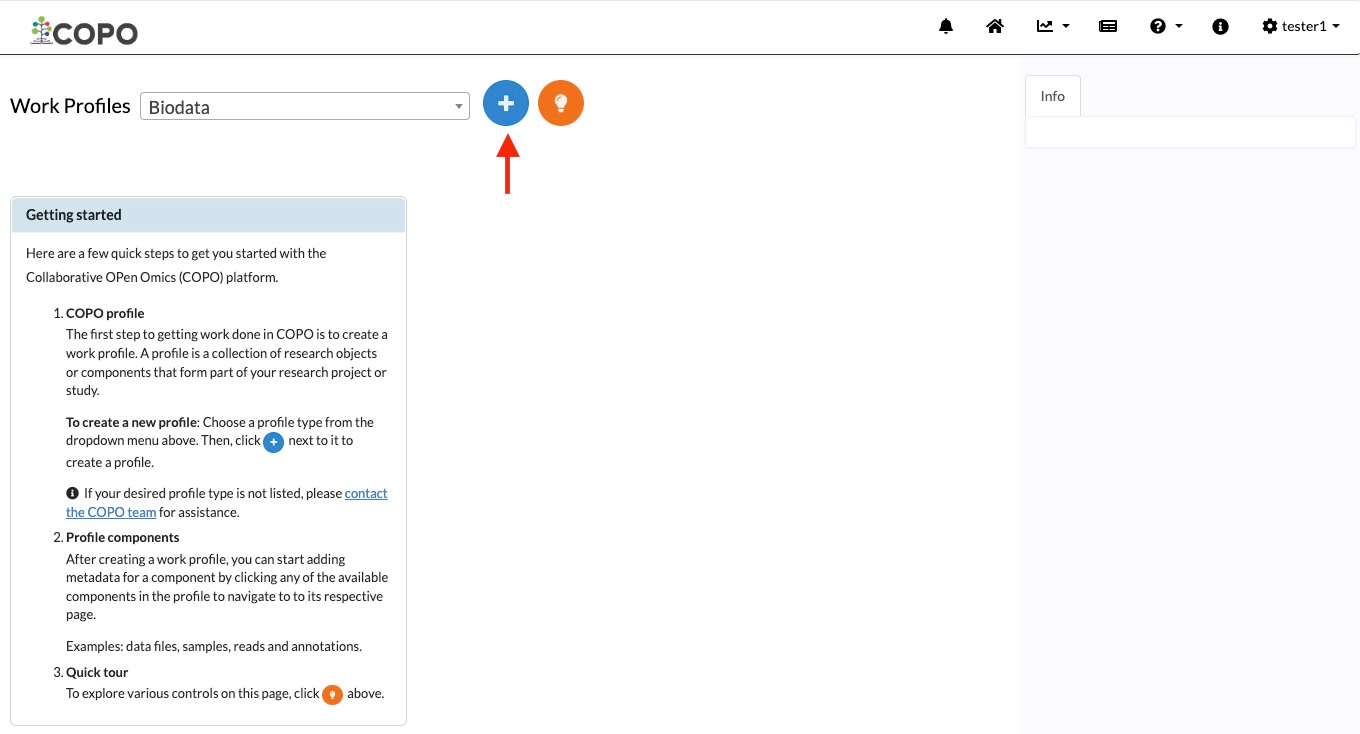
Click the
 Add new record button to view the
Add Profile form
Add new record button to view the
Add Profile form
Click this button to add a new Biodata profile
-
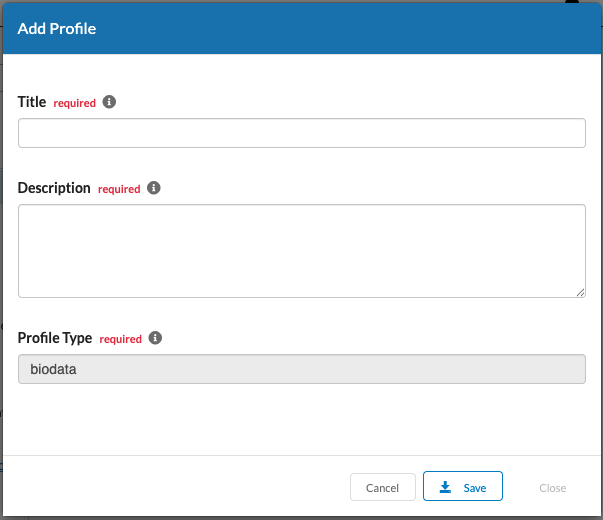
Provide details for the new profile then, click Save
Hint
Both profile Title and profile Description are mandatory form fields.
Meaningful field values are recommended in the form boxes because the information will appear in submissions of the research objects associated with the profile, in public remote repositories.

Add profile form
-
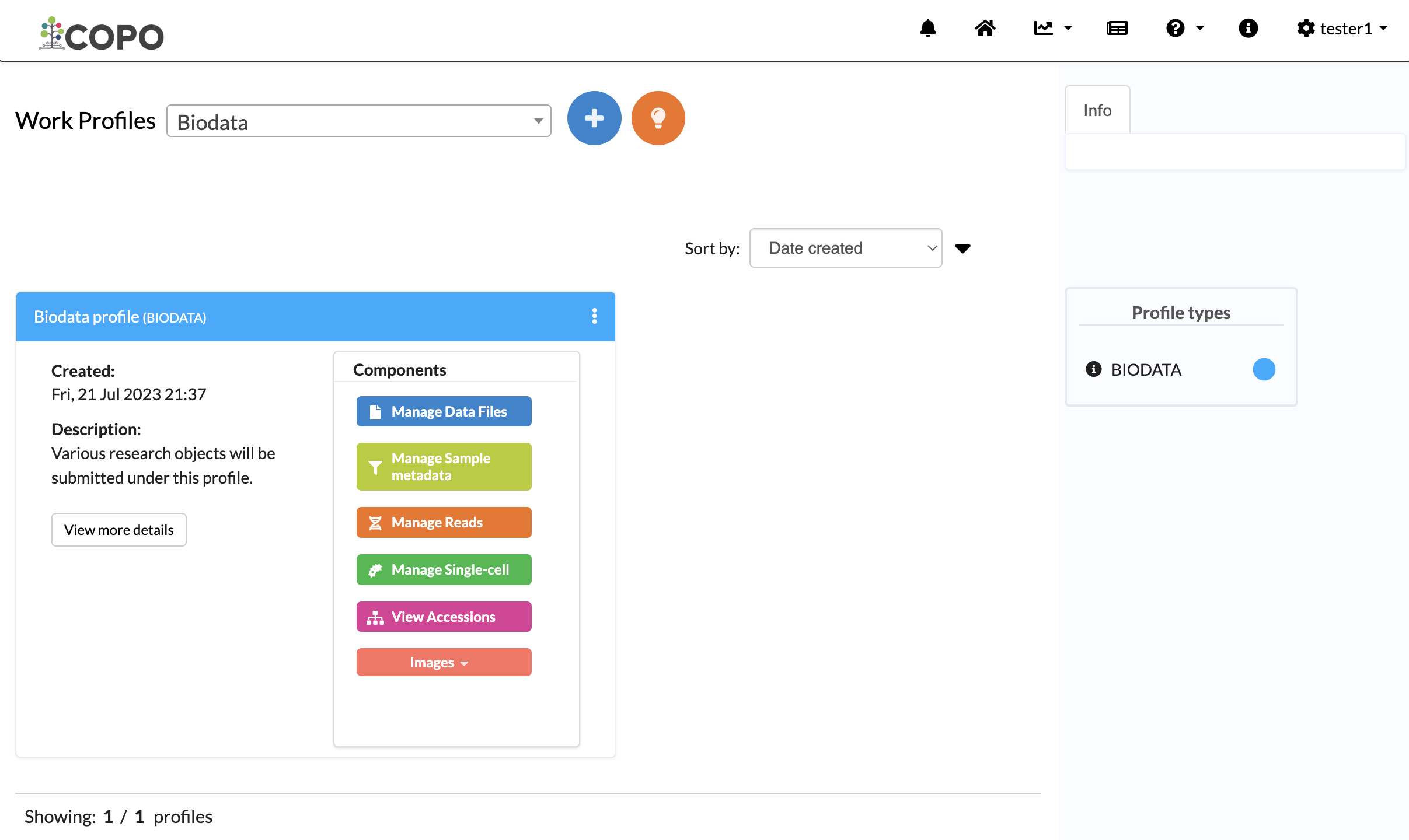
The new profile will be displayed on the Work profiles page.

Work profiles page displaying the created profile
Hint
Use the Sort by dropdown (top-right) to sort profiles by date created, title or type. See Sorting Profiles section for more information.
Biodata Profile Components
The different types of data created within a profile are called profile components and can be accessed from the Components column. Clicking any button in this column will take you to the page for that component (see the Biodata profile components image below).
The following component types are available:
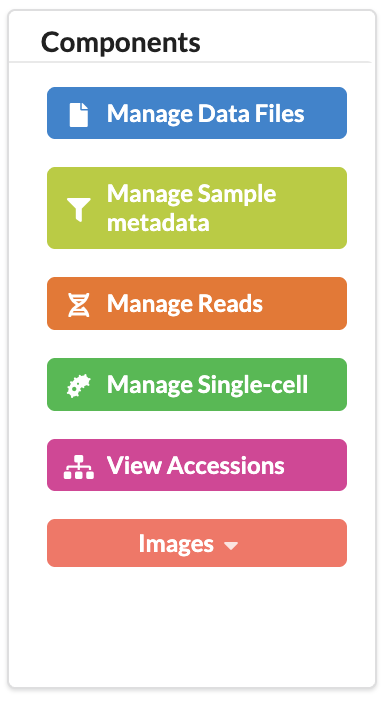
Biodata profile components