Contact COPO
Email the COPO team at or use the Contact page to make an enquiry or request. A member from the team will respond as soon as possible.
To access the Contact page, go to Help –> Contact Us in the top navigation bar if you are not logged in as shown below.
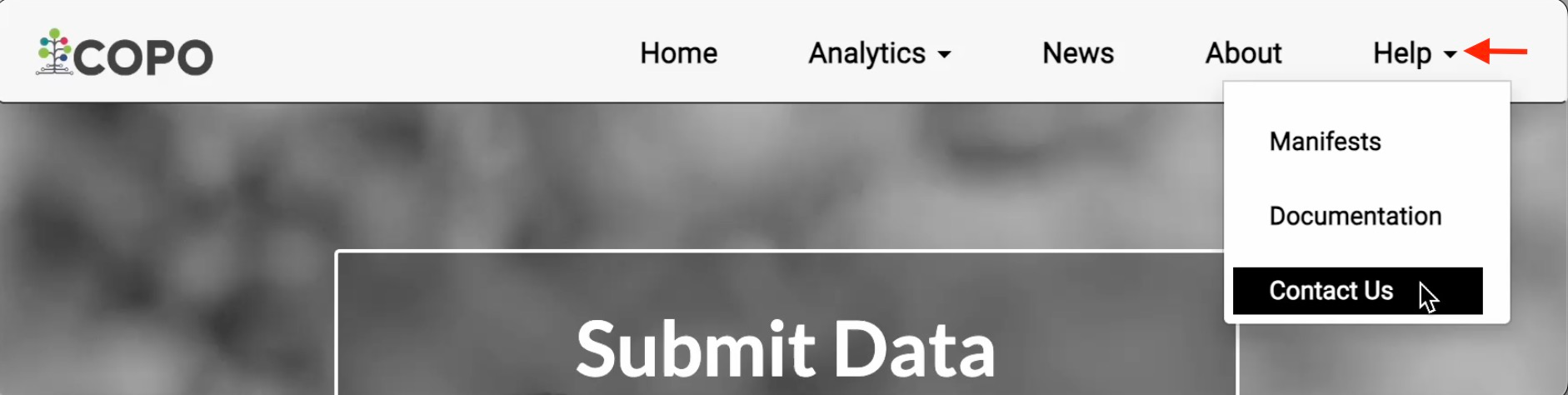
Accessing the Contact page when not logged in
Alternatively, click the  icon (top-right) in the top navigation
bar then, Contact Us, to go to the Contact page if you are already logged
in as shown below.
icon (top-right) in the top navigation
bar then, Contact Us, to go to the Contact page if you are already logged
in as shown below.

Accessing the Contact page when logged in
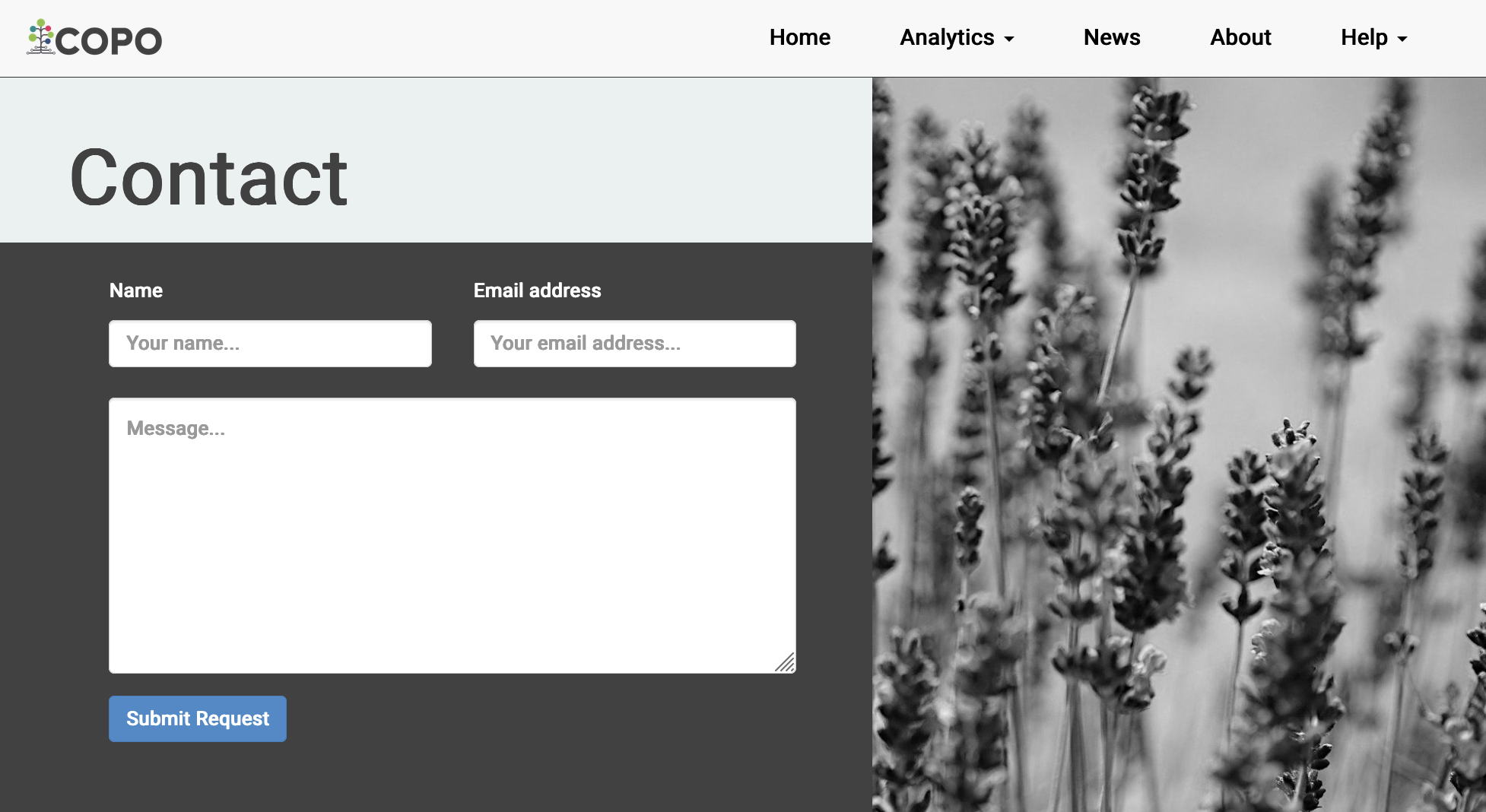
Contact page