Overview
Collaborative Open Omics (COPO) is a web platform used researchers and data generators to describe the data generated from their research such as samples, reads, images and processed data, using community-approved metadata and vocabularies [1]. As a metadata broker, COPO uses FAIR-compliant [2] metadata to ensure that the data are findable, accessible, interoperable and reusable.
The COPO project is developed by a team of Research Software Engineers at the Earlham Institute. It was launched in September 2014 as a Biotechnology and Biological Sciences Research Council (BBSRC) funded project under the name, Collaborative Open Plant Omics. It has since been renamed and expanded to include all life sciences.
Contributions to the GitHub repository are welcomed and all contributors should adhere to the code of conduct.
Stay informed about the project by visiting the News page.
Note
The COPO website requires cookies, fonts and the limited processing of your personal data in order to function well. By using the website you are consenting to this. To find out more information, please see our Privacy Notice and Terms of Use.
Where Your Submitted Data Goes
Data submissions made using COPO are published to public repositories. These repositories are secure online databases that allow the scientific community worldwide to access, share and reuse data.
Supported repositories include:
Comprehensive Knowledge Archive Network (CKAN) (for Earlham Institute datasets)
-
Data Submission Types and Repositories Submission type
Public repository
Assemblies
ENA
Barcoding (also known as Tagged sequences)
ENA
Images
Zenodo for REMBI images and ST-FISH
BIA for sample images and REMBI images (forthcoming)
Reads
ENA
Samples
ENA
Sequence Annotations
ENA
Single-cell
ENA, Zenodo
Accessing COPO
COPO can be accessed in two modes: Production and Demo. An ORCID iD is required to access the them.
Use the live website to access production mode or the demo website to access demo mode.
Note
Production mode is for real data submissions and sends data to the final repository.
Demo mode is for testing only; data submitted here is not sent to the final repository and is deleted periodically.
Hint
You can register for an ORCID iD on the ORCID website for free.
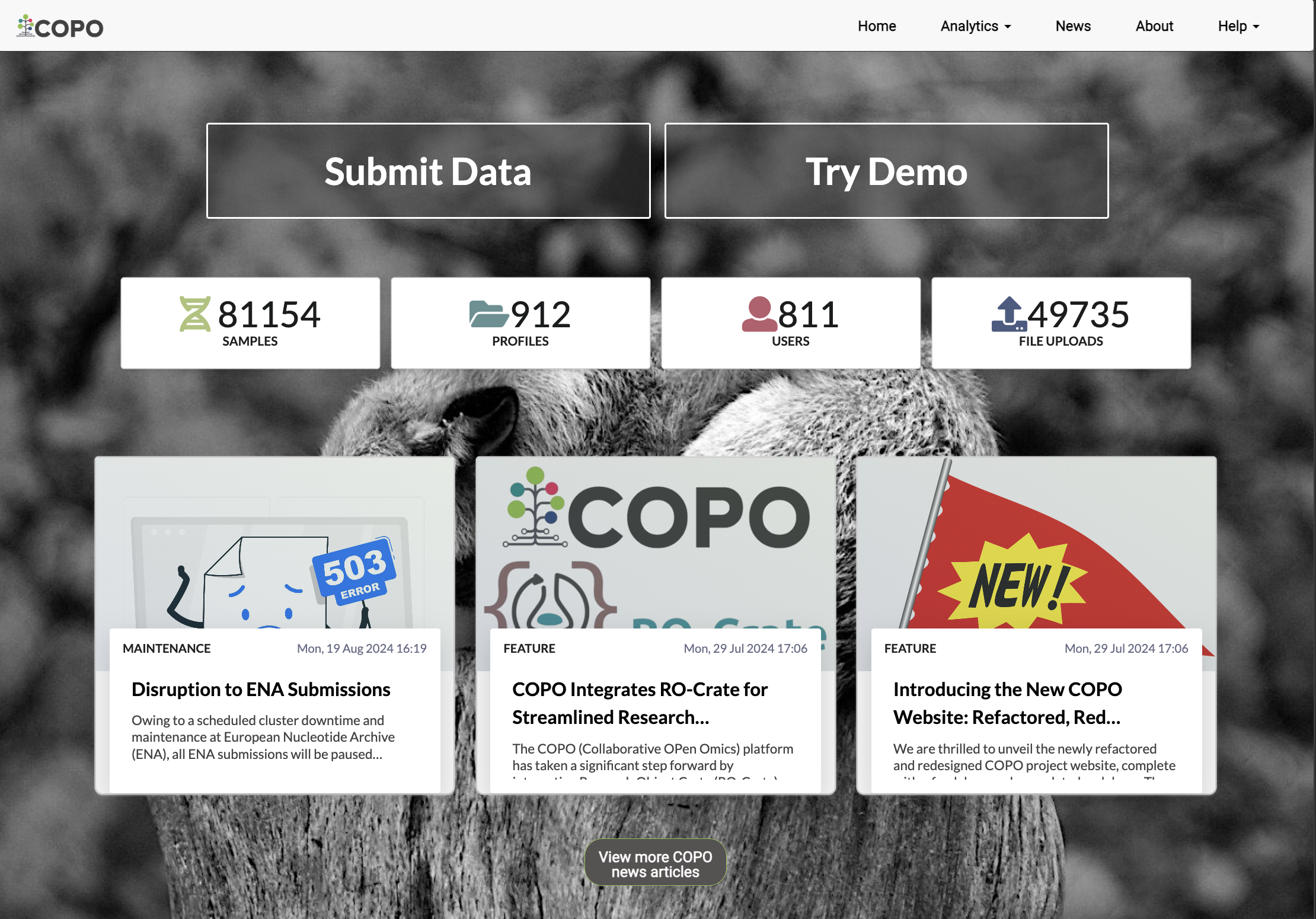
Click Submit Data button to proceed to the login page (as shown
below)
Alternatively, click Try Demo button to access the demo mode.
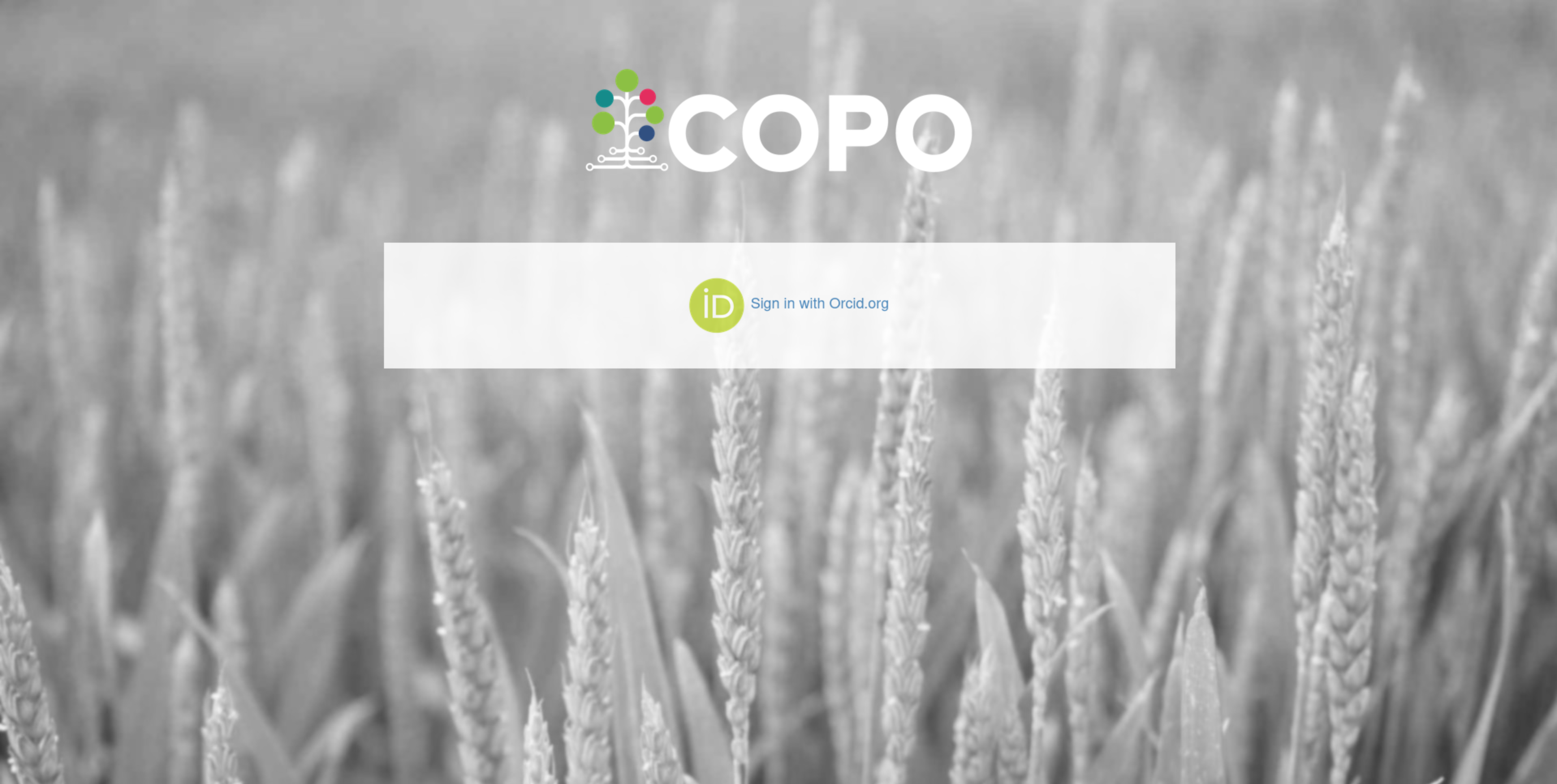
Click Sign in with Orcid.org button to proceed to the ORCID
sign-in form (as shown below)
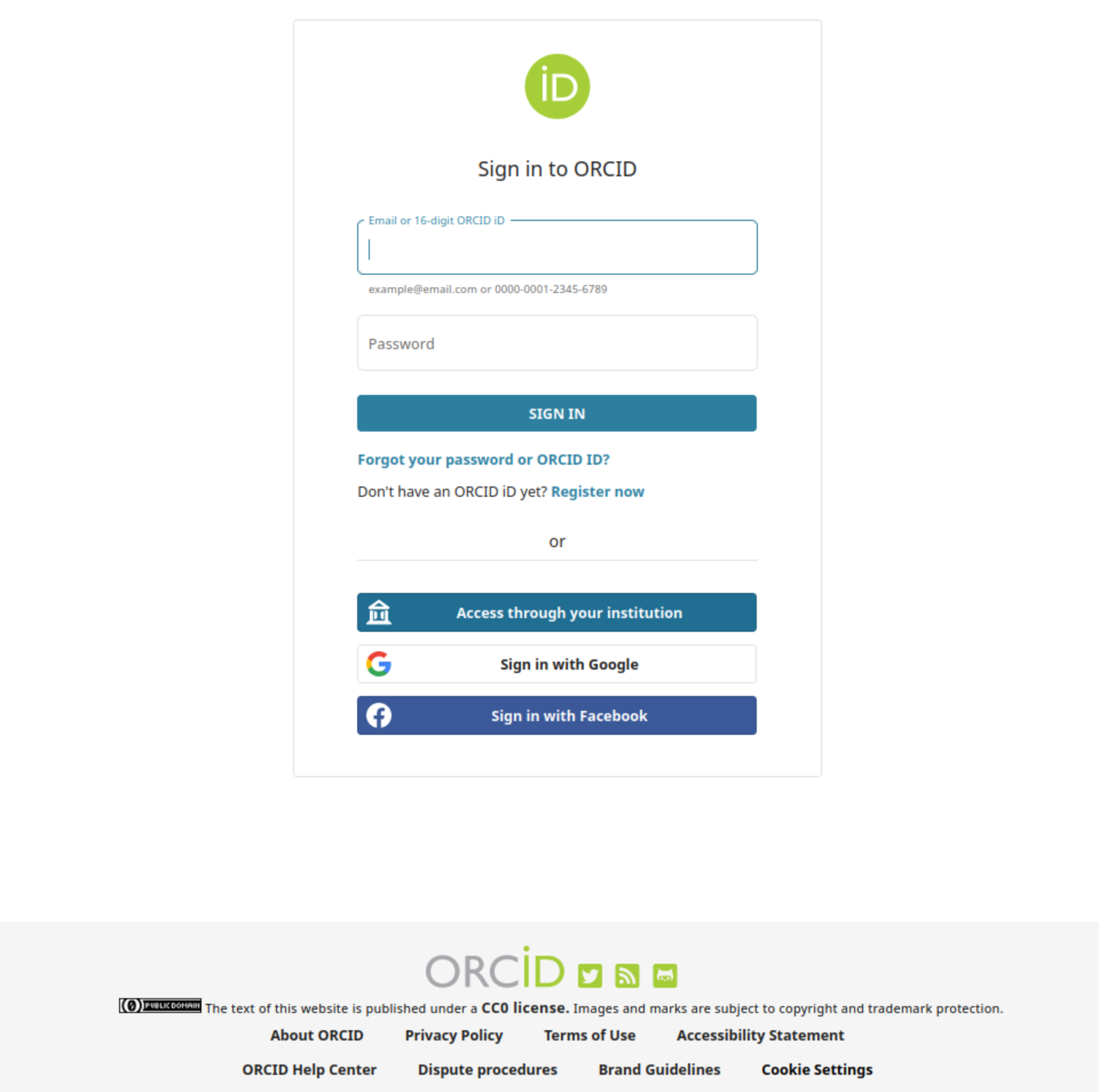
Enter your Orcid login credentials or click Register now to sign-
up for an ORCID account
If the login is successful, a redirection is made to the Work profiles page. Refer to the Choosing a Profile section for the next steps.
First time login
If signing in for the first time, a prompt requesting an email address is displayed.
A valid email address and agreement will lead to the Work profiles page where profiles can be created to manage data. The email address you provide will be linked to your COPO account and used for tasks like submitting data to external repositories.
Refer to the Choosing a Profile section for the next steps.
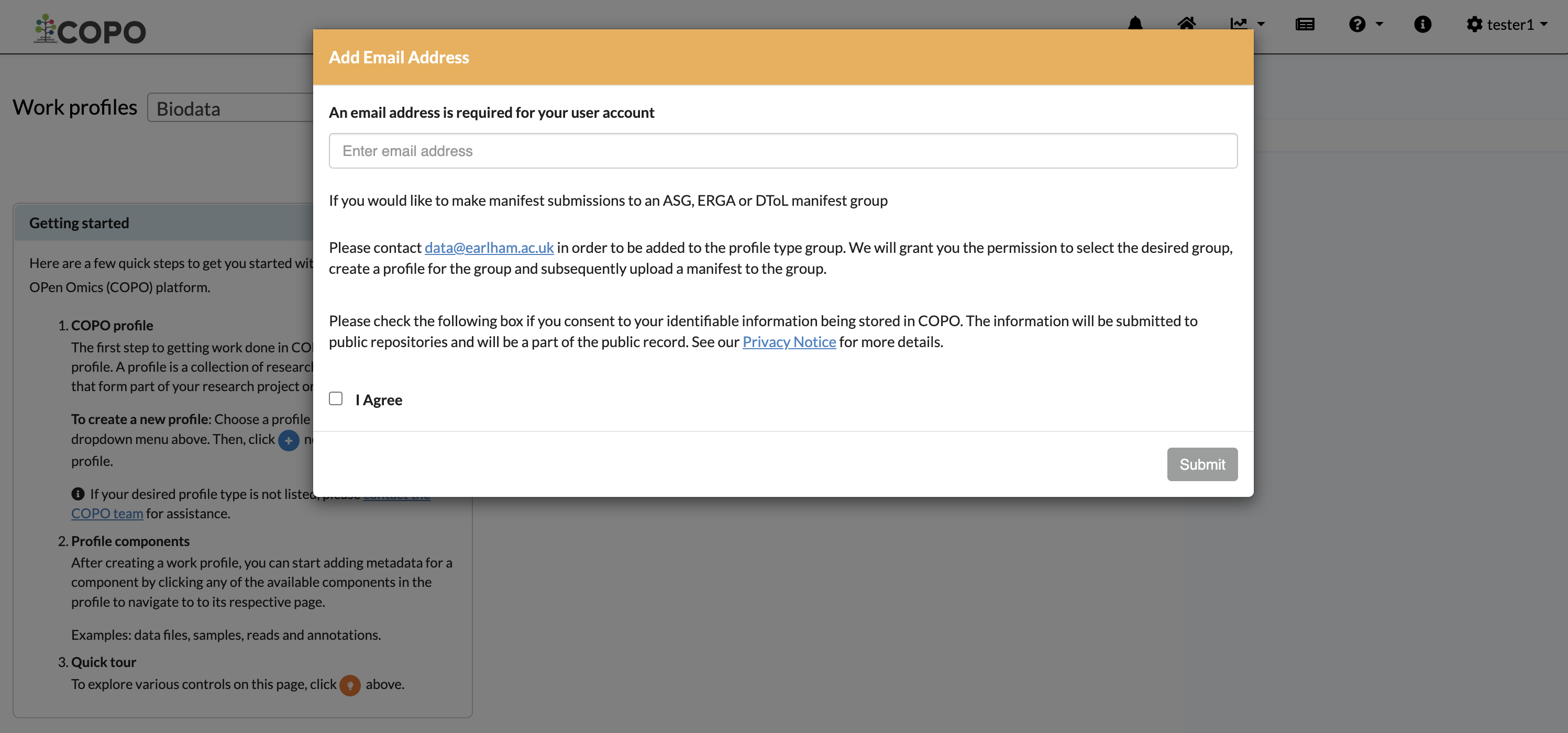
Email address prompt shown after logging in for the first time
Footnotes