Updating Profiles
Warning
Profile types cannot be changed after a profile is created. To change it, delete the profile and create a new one with a different profile type.
Profiles can only be deleted if they have no associated data such as samples, reads, assemblies, data files etc. For profiles with associated data, contact the to request deletion.
Note
If the associated type is updated during the profile update process, samples that have not been accepted and sent to European Nucleotide Archive (ENA) will also have the associated profile type updated.
If the profile is shared, it cannot be updated nor deleted by the sharee.
To edit a profile, click the  icon associated with a
profile. Then, click the
icon associated with a
profile. Then, click the Edit button.
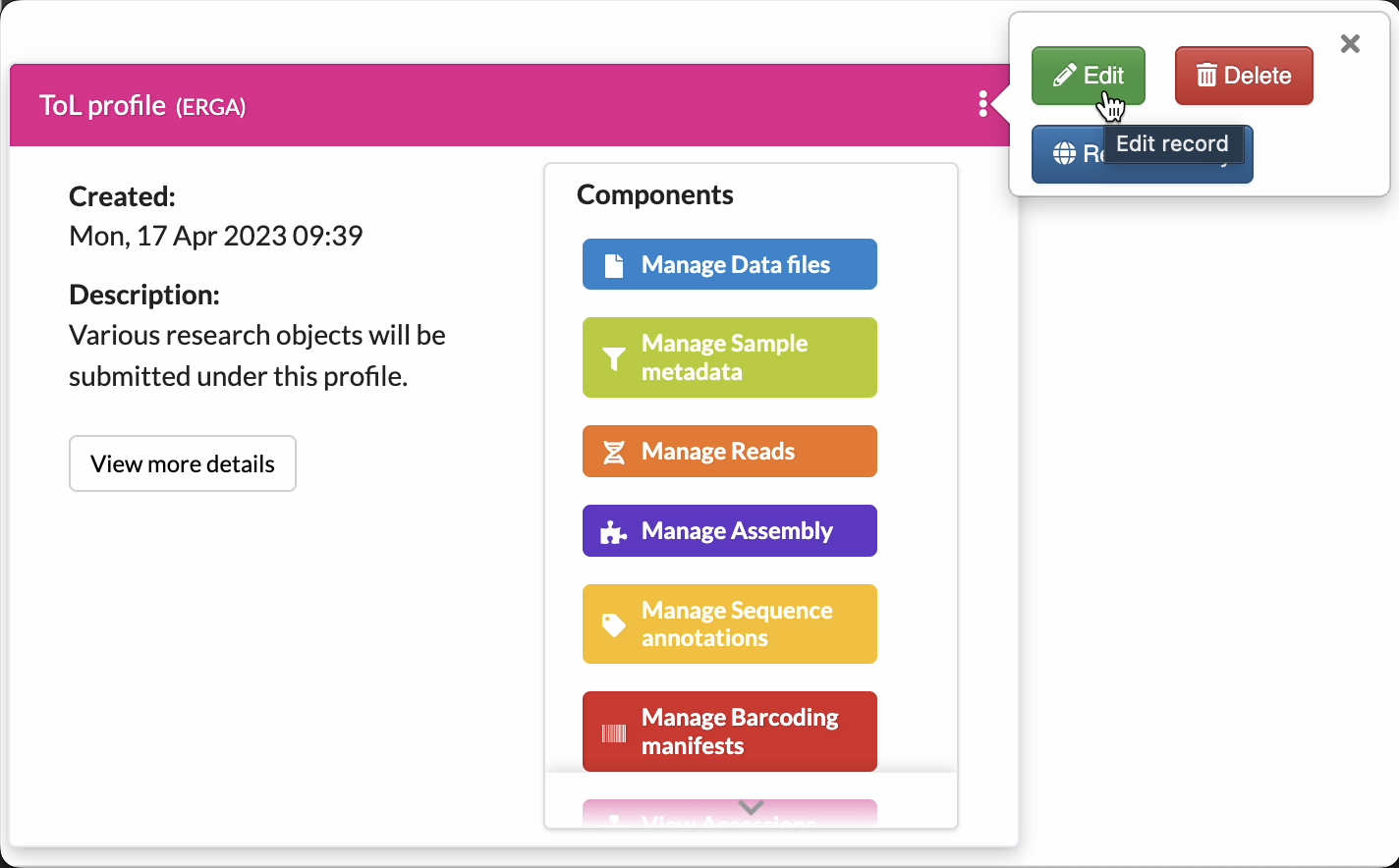
Click the Edit button
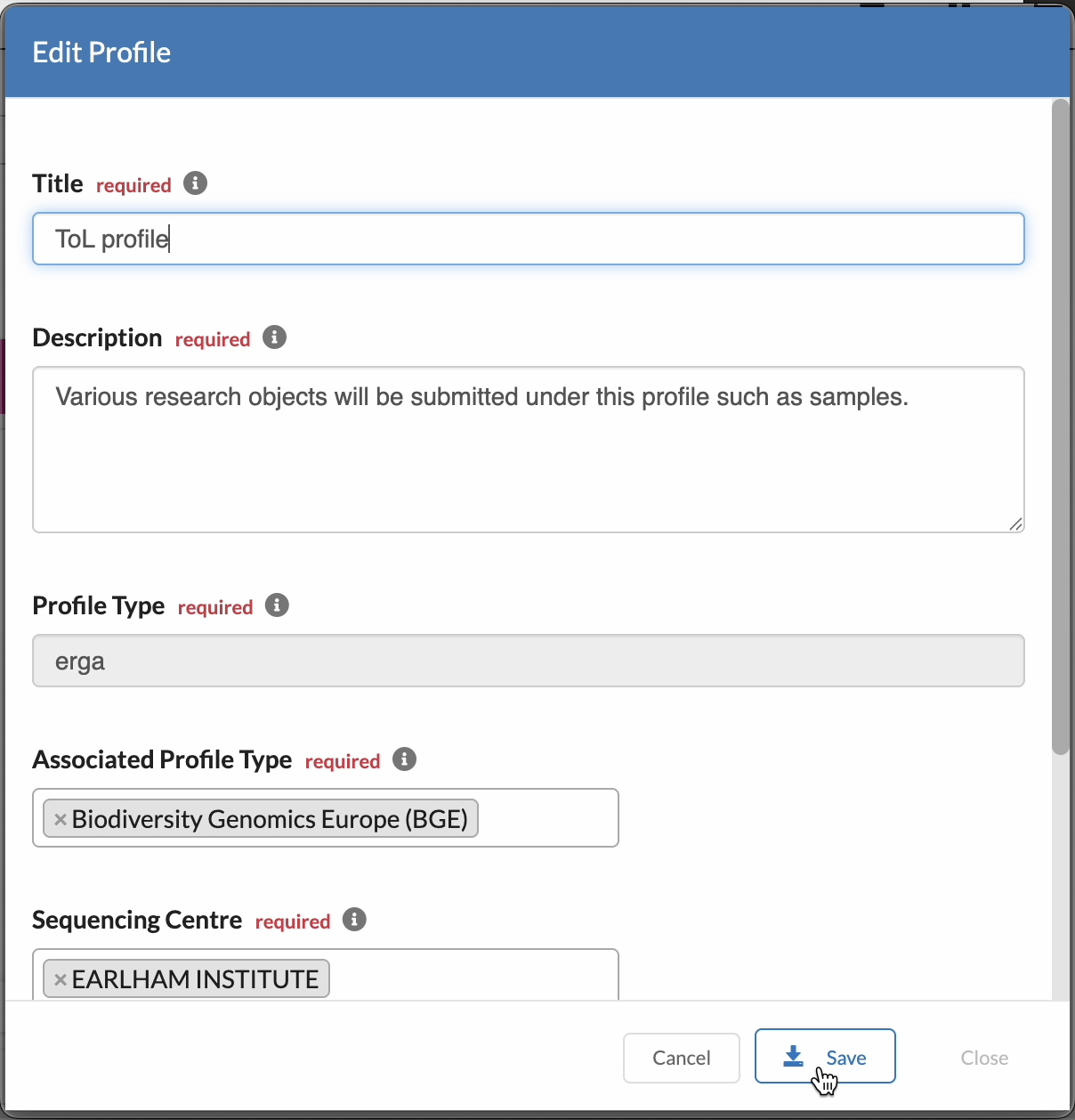
Update the details then, click Save to apply the changes
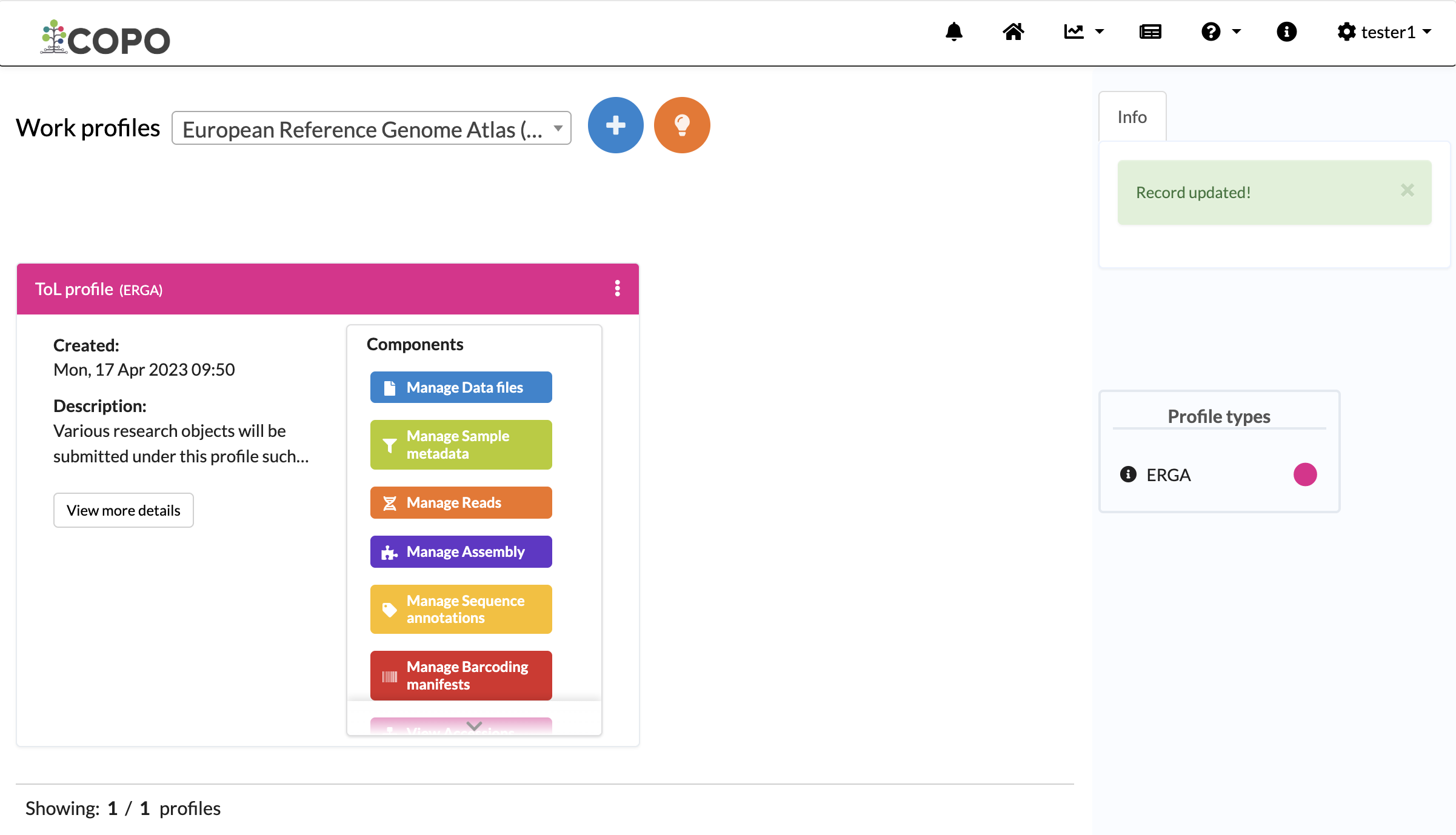
Profile updated
Deleting Profiles
Note
Deleting a profile will not delete the associated COPO user account. The user account will still exist and be able to log into the system.
Only profiles that have no associated research objects such as samples, reads, assemblies or data files etc. can be deleted. If you need to have a profile deleted that contain data, contact the .
If a profile is shared, it cannot be deleted by the sharee.
To delete a profile, click the icon associated with a
profile. Then, click the Delete button.
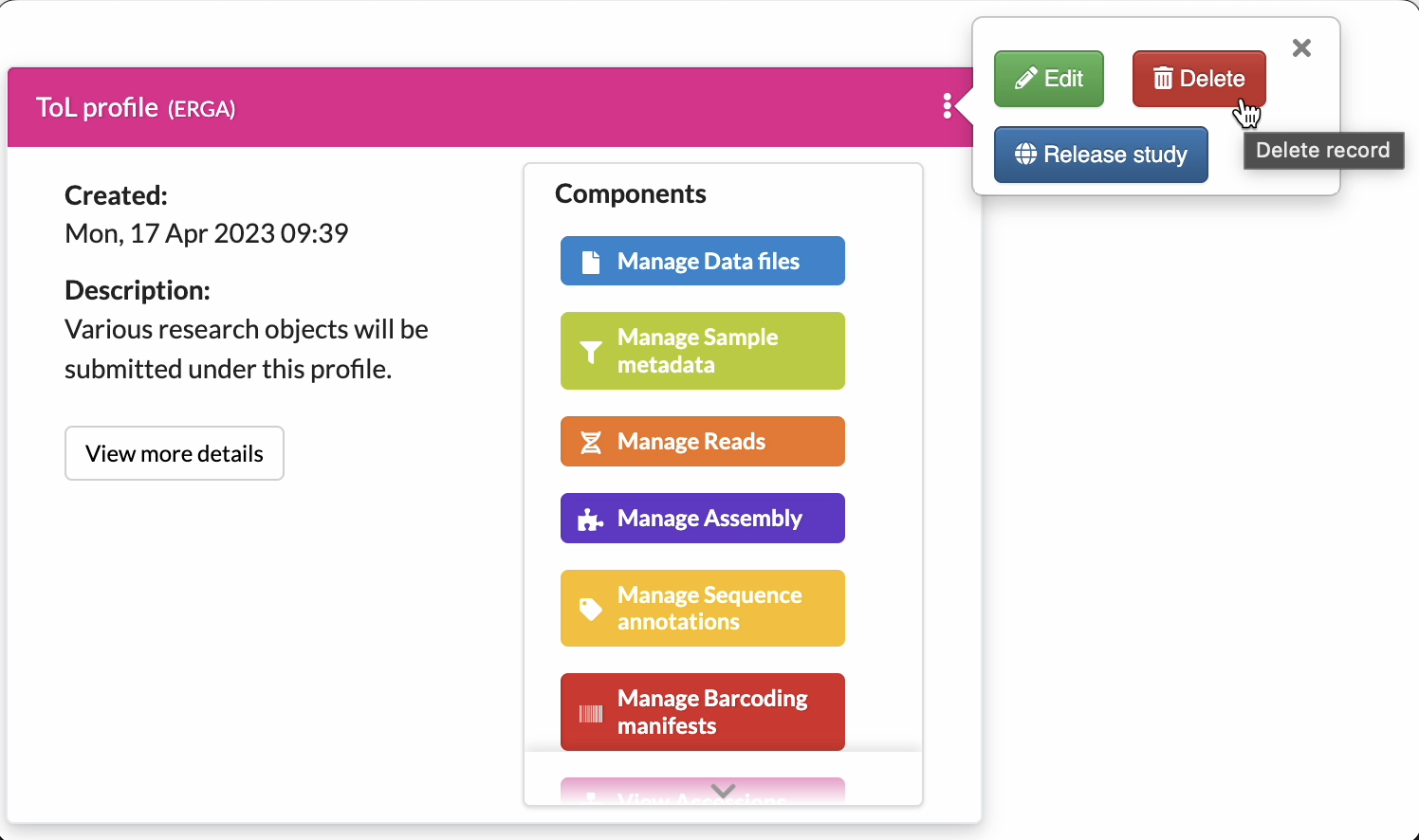
Click the Delete button
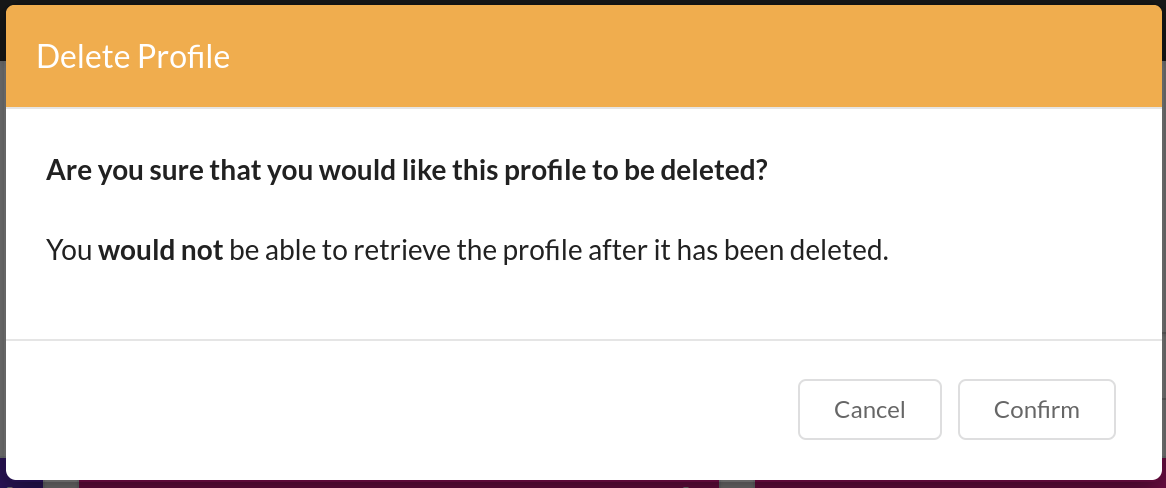
Confirm profile deletion
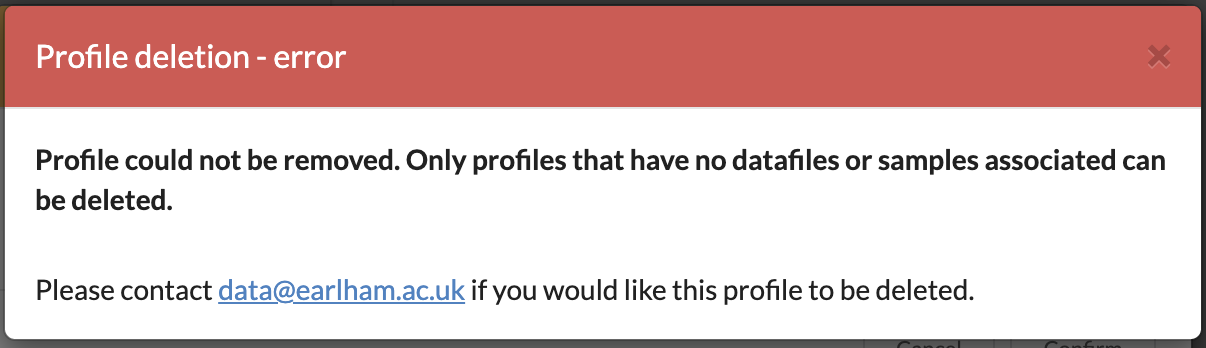
Profile deletion error when data is attached
Once deleted, the profile is removed from the Work profiles page.